

Transport · Waste · Warehouse · Workshop
One system for haulage, waste and warehousing
Transport, waste, warehouse and workshop in one system — from first quote to signed proof of delivery, invoice and export to Sage, Xero or your chosen accounting package.
Logixi products
Who it’s for
What do you run?
Most operators run more than one of these. Logixi runs all four on the same customers, vehicles, stock and invoices.
Haulage & tippers
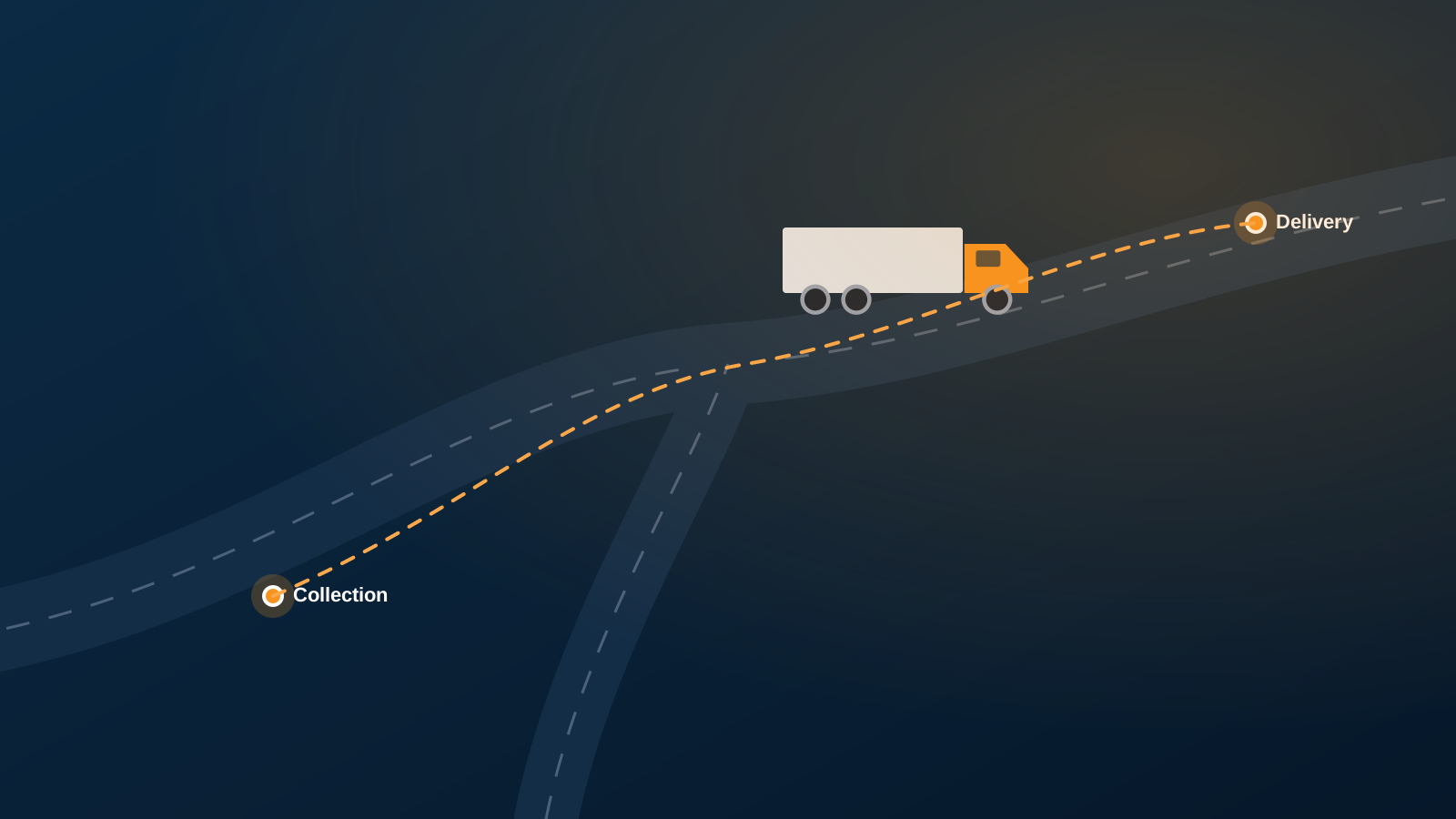
Tipper, artic and sweeper work on one live planning board, with subcontractors alongside your own fleet.
Waste collection & skips
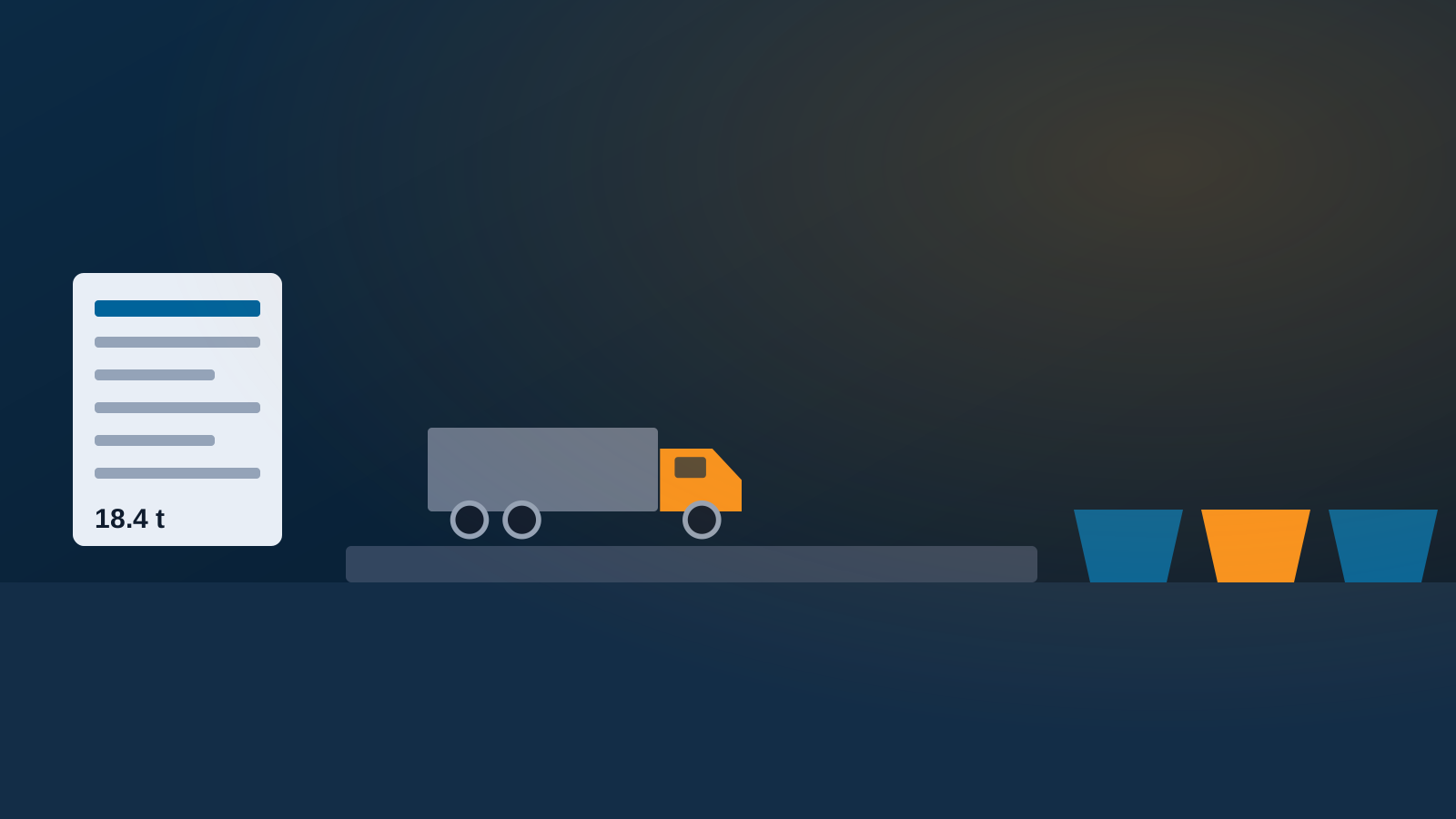
Tips and grades, skips and bins, weighbridge tickets, waste transfer notes and SEPA-ready returns.
Warehousing & storage
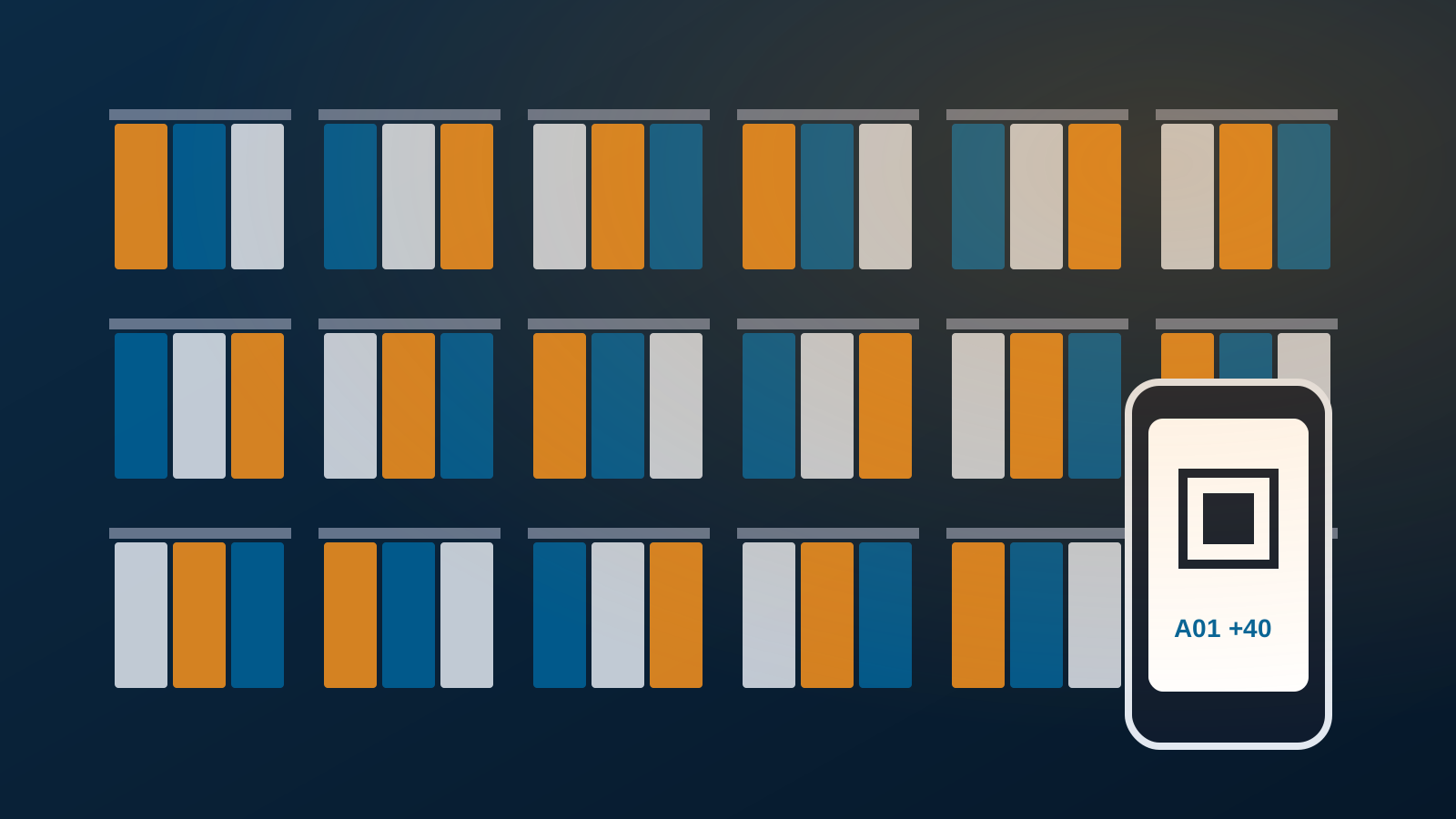
Customer stock by aisle and shelf, QR scanning on any phone and a ledger that always reconciles.
Workshops
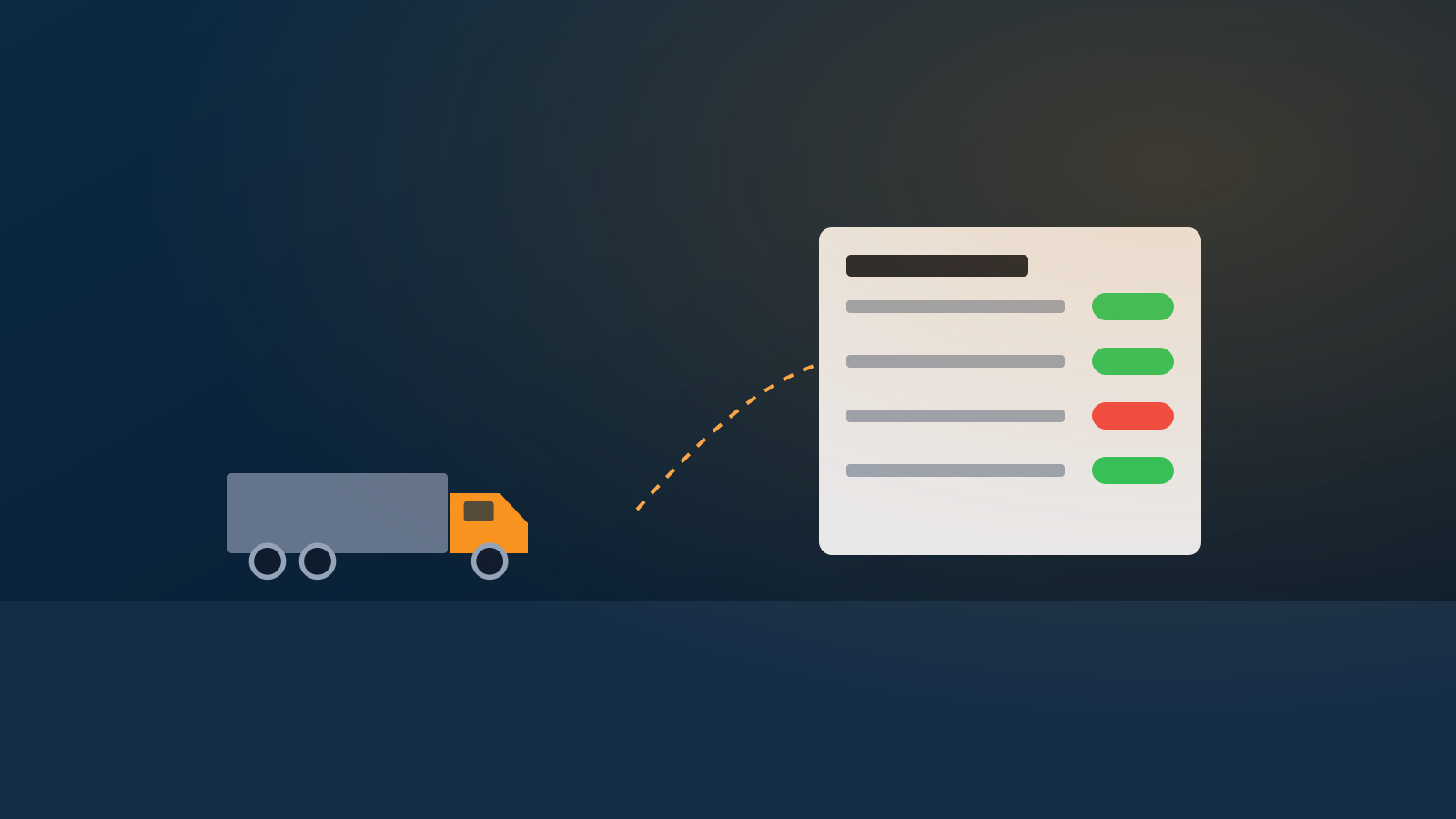
Defects raised from failed walkaround checks, a fitter timeline, parts from stock and labour billed to the depot.
Sound familiar?
Things operators tell us before they switch
Common problems Logixi solves
How it works
One record from enquiry to your accounts
Most work in Logixi follows one path, from a customer asking for something to the money arriving in the accounts. Alongside it, the warehouse tracks stock held for customers and the workshop keeps the fleet on the road.
- Customer set up in the CRM
- Quote optional, from price lists
- Order taken and accepted
- Job planned on the timeline
- Driver does the work on the app
- Sign-off job checked twice
- Invoice sent with PODs
- Accounts Sage, Xero & more
Why Logixi
Plan it. Prove it. Bill it.
The three things operators tell us matter most — and where Logixi is different.
Plan it
A live planning board
Drag accepted orders onto lorries, plan ten loads in one move and copy a whole day forward. Planners see each other on the board and can chat in place.
Prove it
A driver app that works without signal
Walkaround check, jobs in order, the customer’s signature, photos and GPS times — saved on the phone and synced when the signal returns.
Ask it
Ask AI — with a confirm button
Ask in plain English and get answers from live data. Ask AI can suggest a change, but nothing happens until you press Confirm.
Mobile apps
Apps for drivers and warehouse teams
Two apps for iOS and Android put Logixi in the cab and on the warehouse floor — and both keep working when the signal drops.
- Driver app — walkaround checks, jobs in order, proof of delivery with the customer’s signature, photos and GPS-stamped times.
- Stock Scanner — scan product and shelf QR labels to book goods in, goods out and transfers.
- Offline first — work is saved on the phone and synced automatically when the connection returns.
App store listings coming soon — the apps also run in any phone browser.
Built in
AI, reports & dashboards built in
Ask your system, not your spreadsheet. Logixi has a full AI assistant for help and insights, a report builder for your own reports, and dashboards tailored to every user and role.
- AI assistant — how-to help and plain-English insights from live data, with a confirm button before any change.
- Report Builder — list, group and total orders, jobs, invoices or stock movements, then save and share.
- Custom dashboards — the tiles and charts each person needs, from planners to accounts.
Products
Four products. One platform.
Each product works on its own, and they all share the same customers, orders, vehicles, stock and invoices — so nothing is typed twice.
Logixi TMS
Transport Management System
Orders and price lists, a drag-and-drop transport timeline, a driver app with proof of delivery, two-stage job sign-off and invoicing that exports to Sage, Xero or your chosen accounting package.
Logixi Waste
Waste Collection System
DEFRA Digital Waste Tracking support, tips and grades, QR-coded containers, weighbridge and waste transfer notes, tip-ticket reconciliation and EWC / SEPA waste returns.
Logixi WMS
Warehouse Management System
Aisle-and-shelf locations, QR labels, a phone scanner app, a permanent movement ledger, batch traceability and stock valuation at cost.
Logixi Workshop
Workshop Management
Defects raised from driver walkaround checks, a fitter timeline, parts from stock, inspection due dates, VOR control and workshop invoicing to the depot.
Compliance
Ready for Digital Waste Tracking
Logixi supports DEFRA Digital Waste Tracking — mandatory for receiving sites in England & Wales from 1 October 2026 and in Scotland from 1 January 2027 — alongside the SEPA returns it already produces.
Key figures
12
modules in one system
CRM, fleet, ordering, jobs, invoicing, warehousing, workshop, reports, Ask AI, two apps and administration.
2
offline-ready mobile apps
The Driver app and Stock Scanner keep working without signal and sync later.
8
steps, one record
Customer, quote, order, job, driver app, sign-off, invoice and accounts export — no re-keying.
3
step accounts export
Build the batch, import it into Sage, Xero or your chosen package, confirm what it accepted.
Switching
Switching without breaking the business
Logixi is written for people, not IT departments: the user guide assumes no technical knowledge and is organised by the job you do.
Set up around your team
Every user gets a role, and each role only sees the menus it needs — drivers, warehouse, workshop and accounts each get their own view.
Less typing from day one
Look up vehicles from the DVLA, companies from Companies House and addresses by postcode, and send new customers a one-time sign-up link.
Keep your accounting package
Use Sage, Xero or your chosen accounting package: map your tax types once, then export invoices and credit notes in batches you confirm.
Who makes Logixi
Logixi is a product of Cloud Guard Technologies
Cloud Guard Technologies is a Scottish IT company providing managed IT support, cloud security, cloud and Azure solutions, IT infrastructure, connectivity and backup and recovery services to businesses in Glasgow, Edinburgh and across the UK. Logixi brings that experience to hauliers, waste operators and warehouses in Scotland and across the UK.
Offices: Carluke · Glasgow · Edinburgh — 0330 789 0903
Scotland & UK
Areas we serve
Logixi is built in Scotland by Cloud Guard Technologies, with offices in Carluke, Glasgow and Edinburgh, and serves operators from the Highlands to the rest of the UK.
Glasgow
City construction, skip hire and distribution off the M8 and M74. Office on West George Street.
Edinburgh
Timed city deliveries and Lothians housebuilding. Office on Young Street.
Central Belt
The M8, M74, M80 and M9 haulage corridor. Head office in Carluke.
Inverness
Long Highland routes where offline apps matter most.
Aberdeen
Energy-sector supply, industrial waste and batch-tracked stock.
United Kingdom
Browser-based, so operators anywhere in the UK can get started online.
Proof
Built around how logistics businesses really work
Logixi puts customers, orders, lorries, drivers, jobs, invoices, the warehouse and the workshop in one place, so everyone — office, transport, warehouse, workshop, accounts and drivers — works from the same information, every day.
Built for
- Office & sales
- Transport planners
- Drivers
- Warehouse teams
- Workshop fitters
- Accounts
FAQs
Frequently asked questions
Who makes Logixi?
Logixi is a product of Cloud Guard Technologies, a Scottish IT company with offices in Carluke, Glasgow and Edinburgh. Cloud Guard provides managed IT support, cloud security, cloud and infrastructure services to businesses across the UK, and builds Logixi for hauliers, waste operators and warehouses in Scotland and the rest of the UK.
What is Logixi?
Logixi is a browser-based system for running a logistics business in one place: customers, orders, lorries, drivers, jobs, invoices, the warehouse and the workshop. Work follows one path — customer, quote, order, planned job, driver app, sign-off, invoice and accounts export — so every team works from the same information.
Can one system run haulage, waste and warehousing?
Yes. Logixi runs transport planning, waste collection and weighbridge work, warehousing and the vehicle workshop on the same data. A customer order becomes jobs on the transport timeline, the driver’s proof of delivery feeds sign-off and invoicing, workshop parts come out of warehouse stock, and everything reaches Sage, Xero or your chosen accounting package without re-keying.
What is a transport management system (TMS)?
A transport management system is software that plans, runs and bills transport work. In Logixi, that means customer orders and price lists, a drag-and-drop transport timeline for each day’s lorries, a driver app with walkaround checks and proof of delivery, two-stage job sign-off, and invoicing that exports to Sage, Xero or your chosen accounting package.
Does Logixi support Digital Waste Tracking?
Yes. Logixi supports DEFRA Digital Waste Tracking, which became mandatory for waste receiving sites in England and Wales on 1 October 2026 and applies in Scotland from 1 January 2027. The grade, EWC code, weights and tip details recorded on every job sit alongside the SEPA returns Logixi already produces.
Can I build my own reports in Logixi?
Yes. Logixi has a built-in Report Builder. Pick what to list — orders, accounts, jobs, invoices, credit limits or stock movements — tick the columns, then filter, sort and export to CSV. The aggregate builder groups and totals data, for example jobs per customer. Saved reports always run on the latest information.
Can each user have their own dashboard?
Yes. Logixi dashboards are customisable and tailored to each user and role, so a planner, a warehouse manager and an accounts clerk each see the figures that matter to them. Roles also decide which menus people see, so everyone gets a focused view of the same live data.
Does Logixi have mobile apps?
Yes. Logixi has two mobile apps for iOS and Android. The driver app handles walkaround checks, jobs in order and proof of delivery with the customer’s signature, photos and GPS-stamped times. The Stock Scanner app books goods in, out and transfers by scanning QR labels. Both keep working offline and sync later.
Does Logixi work with Sage or Xero?
Yes. Logixi exports invoices and credit notes to Sage, Xero or your chosen accounting package in batches. You build the batch, import it, then confirm in Logixi what your accounting package accepted. Account references, nominal codes and tax codes are checked first, so problems are fixed before they reach your accounts.
Can AI change data in Logixi?
Only after a person confirms it. Ask AI reads information freely but never changes anything by itself. When it suggests a change, such as moving an order to next Tuesday, it shows the current and new values side by side, and nothing happens until someone with permission presses Confirm. Suggestions expire after 15 minutes.
Is my financial data visible to Logixi’s AI?
No. Ask AI can answer questions about stock, orders, customer contact details and the job schedule, but it can’t see customers’ financial details such as credit limits, payment details or balances. Ask AI also has its own permissions — ask, confirm and reject — so administrators decide who can use it and who can approve changes.